
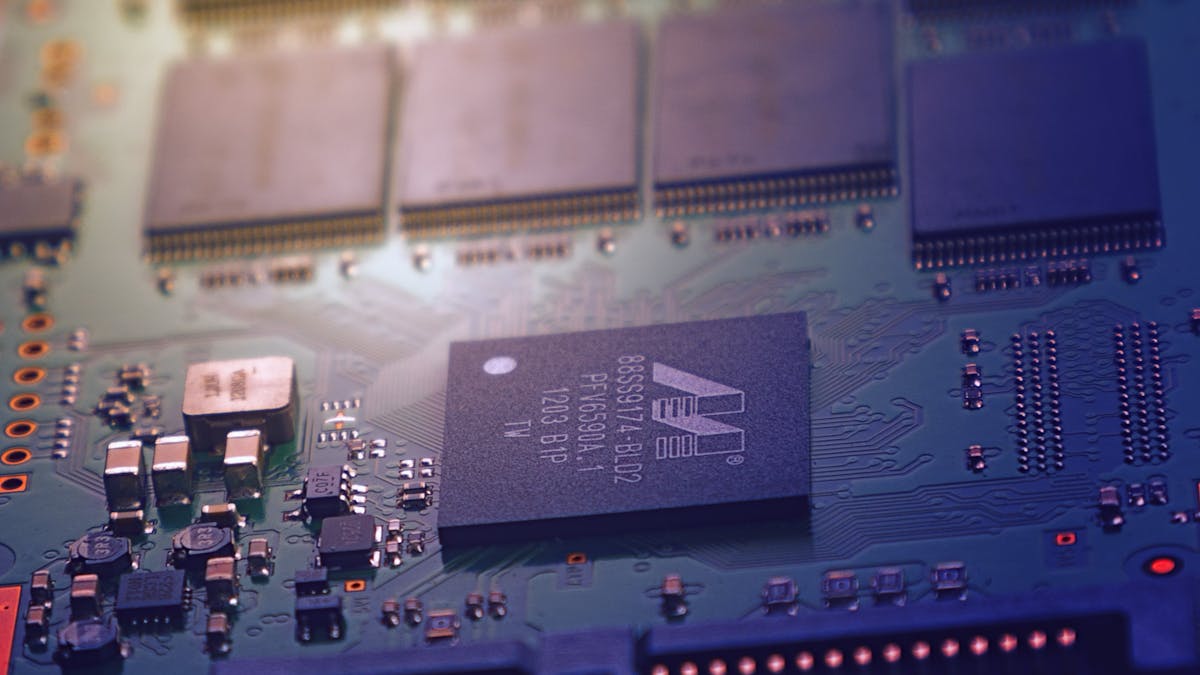
The Hardware Renaissance
Something unexpected happened when OpenClaw went viral: people started buying hardware. Not GPUs for training. Not servers for inference. Small, quiet, energy-efficient machines designed to run a single AI agent 24 hours a day, 7 days a week.
The Mac mini became the unofficial OpenClaw appliance. Raspberry Pis found a new purpose. And Intel started publishing optimization guides for running agents on AI PCs. This is the story of OpenClaw's hardware ecosystem in 2026.
Mac mini: The Lobster's Favorite Home
The Apple Mac mini M4 has become the default recommendation in every OpenClaw community forum, and for good reason:
- •Always-on design: Draws 10-15W at idle, costs roughly $15/year in electricity
- •Silent operation: No fans at idle, perfect for a desk or living room
- •Local inference: The M4's Neural Engine and unified memory can run 7B-14B parameter models via Ollama at usable speeds
- •Reliability: macOS handles long uptimes gracefully; many users report months of continuous operation
The demand surge was real. When OpenClaw went viral in late January, Mac mini M4 units sold out at multiple retailers in Asia. Apple's supply chain caught up within weeks, but for a brief period, the Mac mini was the hottest "AI hardware" purchase in the developer community.
Recommended Configurations
| Config | RAM | Use Case | Local Models |
|---|---|---|---|
| M4 base | 16GB | Cloud-only inference | Small (3B-7B) |
| M4 Pro | 24GB | Mixed local + cloud | Medium (7B-14B) |
| M4 Pro | 48GB | Heavy local inference | Large (30B-70B) |
For most users, the 16GB base model is sufficient — it runs OpenClaw's core services and handles cloud API routing without issues. Local model inference is a bonus, not a requirement.
Raspberry Pi: The $100 AI Agent
The Raspberry Pi 5 with 8GB RAM is the budget champion of the OpenClaw hardware ecosystem:
- •Cost: $80-100 for the complete kit (board, case, power supply, SD card)
- •Power: ~5W, costing roughly $5/year in electricity
- •Capabilities: Runs OpenClaw gateway, scheduler, memory, and all cloud-based inference perfectly
- •Limitations: Cannot run local LLMs — all inference must be routed to cloud APIs
The Pi is ideal for users who want a dedicated, always-on OpenClaw host without spending $600+ on a Mac mini. Several community members have published step-by-step guides for setting up OpenClaw on a Pi, including automated SD card images that boot directly into a fully configured agent.
Pi Setup Essentials
- 1.Raspberry Pi 5, 8GB RAM
- 2.64GB+ microSD card (A2 rated for speed)
- 3.Official power supply (27W USB-C)
- 4.Ethernet connection (more reliable than WiFi for 24/7 operation)
- 5.Headless setup via SSH — no monitor needed after initial config
Intel AI PCs: Local Inference at Scale
Intel published an official optimization guide for running OpenClaw on Intel-based AI PCs equipped with NPUs (Neural Processing Units). The approach is different from Mac or Pi setups:
Instead of routing all inference to the cloud, Intel's solution offloads portions of the agent's reasoning pipeline to local hardware:
- •Context processing: The NPU handles initial context analysis and embedding generation locally
- •Simple inference: Routine tasks run on local models using the integrated GPU
- •Complex reasoning: Only high-complexity tasks are routed to cloud APIs
The result: 40-60% reduction in cloud API costs with minimal impact on response quality for everyday tasks.
This matters most for organizations running multiple OpenClaw agents. A fleet of 10 agents on Intel AI PCs can save thousands of dollars per month compared to pure cloud inference.
Chinese Cloud: One-Click Deployment
For users who prefer cloud hosting, the three major Chinese cloud providers have all launched dedicated OpenClaw deployment solutions:
Alibaba Cloud - One-click deployment via Simple Application Server - Pre-configured with Qwen 3.5 as the default model - Integrated with DingTalk and Feishu for enterprise messaging - Starting at 99 CNY/year (~$14)
Tencent Cloud - Pre-installed OpenClaw image (v2026.2.3-1) - Supports QQ, Enterprise WeChat, DingTalk, and Feishu integration - 99 CNY/year with 2GB RAM (sufficient for OpenClaw)
Volcengine (ByteDance) - Competitive pricing with native Doubao model integration - Optimized for Chinese-language agent workloads - One-click deployment with monitoring dashboard
All three providers offer promotional pricing that makes cloud hosting cheaper than buying and running a Raspberry Pi in many cases.
Choosing Your Hardware
| Priority | Best Choice | Monthly Cost |
|---|---|---|
| Lowest cost | Chinese cloud VPS | ~$1.20/month |
| Budget self-hosted | Raspberry Pi 5 | ~$0.40/month (electricity) |
| Best all-around | Mac mini M4 | ~$1.25/month (electricity) |
| Local inference | Mac mini M4 Pro 48GB | ~$1.50/month (electricity) |
| Enterprise fleet | Intel AI PCs | Varies by config |
The Bigger Picture
OpenClaw has done something that no AI product has done before: it made people excited about buying small, quiet, low-power hardware. Not for gaming, not for video editing, but for running a personal AI agent that works while they sleep.
This is the beginning of a new hardware category — the personal AI appliance. And whether it is a Mac mini on your desk, a Raspberry Pi in your closet, or a cloud VPS halfway around the world, the result is the same: an AI agent that is always on, always yours, and always working.
For hardware-specific setup guides, visit the OpenClaw documentation or ask in #hardware on Discord.